 Fern
Fern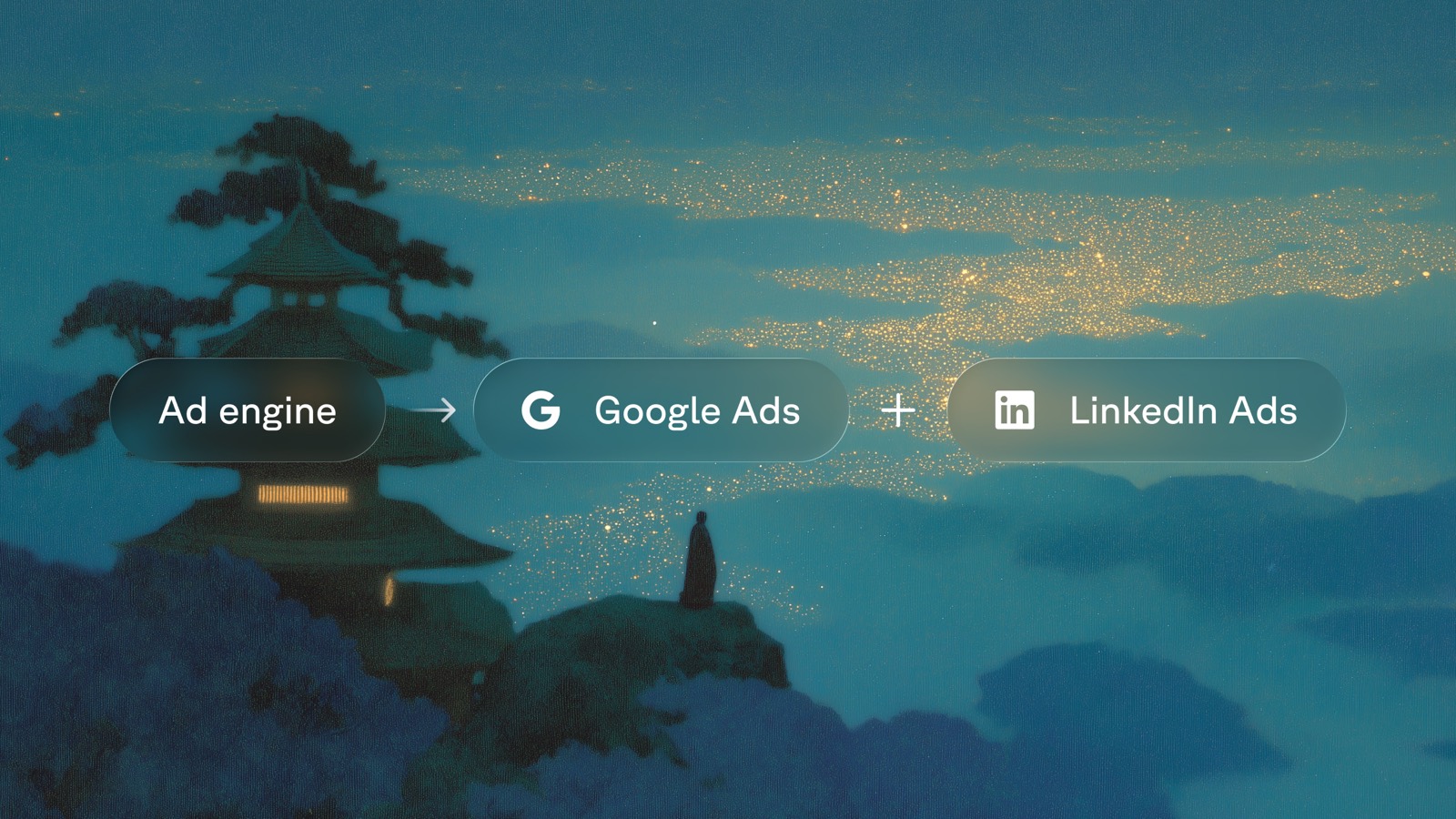
I run our paid ads at Fern as a team of one. I partner with Outshine to manage our ad spend. Between us we maintain seven campaigns, each with its own landing page, LinkedIn assets, and Google Ads with dozens of ad variants in rotation at any time. How do we ship this much creative to scale to a 6-figure ad budget? It took a month to perfect our process and create agentic flows that generate campaigns with landing pages, copy suggestions, and visual assets.
I'm still perfecting the self-healing process but I wanted to share these early learnings.
The TL;DR:
- Every campaign is a folder. One structured directory that holds everything related campaign, from the brief to the results log (shared by Outshine).
- Start with a plan. I typically kick-off a writing plan by using Fable. I find Fable best at consuming all of our existing Ad results and guiding me to the core thesis of the campaign. This requires a bit of back-and-forth.
- A skill writes the first draft. Then I let Opus run with our
/launch-campaignskill. Which creates a landing page and populates our structured directory with contents. - Creative rendered locally. A local
/adstudio turns a typed spec and a Midjourney background into a finished image asset. it's never the best - One ID ties it together.
utm_contenton every link is the join key from the ad platform to a row inperformance.csv.
How campaigns are structured
At the time of this article, we're running seven campaigns that are each pointed at its own landing page at /lp/<slug> with a directory structured like so:
- brief.mdaudience, keywords, value props, KPIs, UTM scheme
- linkedin.md4 single-image hooks, 2 text ads, 1 conversation ad
- google.mdsearch headlines, descriptions, sitelinks, callouts
- README.mdslot sizes, prompt template, brand-asset rules
- SG-LI-SI-01.mdone brief per ad variant
- exportsfinished PNGs land here
- performance.csvone row per variant per day
- learnings.mdwhat to keep, cut, and test next
Every ad has a stable ID. The grammar is <CAMPAIGN>-<SLOT>-NN, so SG-LI-SI-01 is the sdk-generator campaign's first LinkedIn image.
Every campaign has a structured UTM
?utm_source={linkedin|google}&utm_medium=cpc&utm_campaign=<slug>&utm_content=<variant_id>utm_content is the variant ID. That is the join key between the ad platform and performance.csv, so a click in a dashboard maps straight back to the exact line of copy that earned it.
/launch-campaign for the first draft
Starting a campaign is three inputs: the slug, the landing page path, and a one-line angle that separates this campaign from the others.
I typically run this pill in plan mode so that Claude can work with me to nail the angle.
The /launch-campaign Claude skill lives in the repo and it works by leveraging the landing page so that the ad copy echoes the page without inventing new claims. Then it scaffolds the folder:
- Writes the brief. Who we target, which keywords to bid, and the proof points to lead with, all pulled from the page.
- Writes the copy. Four LinkedIn image hooks that each play a different angle, the text and conversation ads, then the Google search ads. Every line comes with its character count so I can QA at a glance.
- Scaffolds the creative briefs and the empty results files, ready for numbers once the campaign goes live.
Landing pages
Every campaign has its own generated landing page. Claude creates a /lp/<slug> from a few templates built on the site's own components. It references the campaign the content and tries to create options with punchy marketing angles.
I typically review this landing page and swap out with a title that work best.
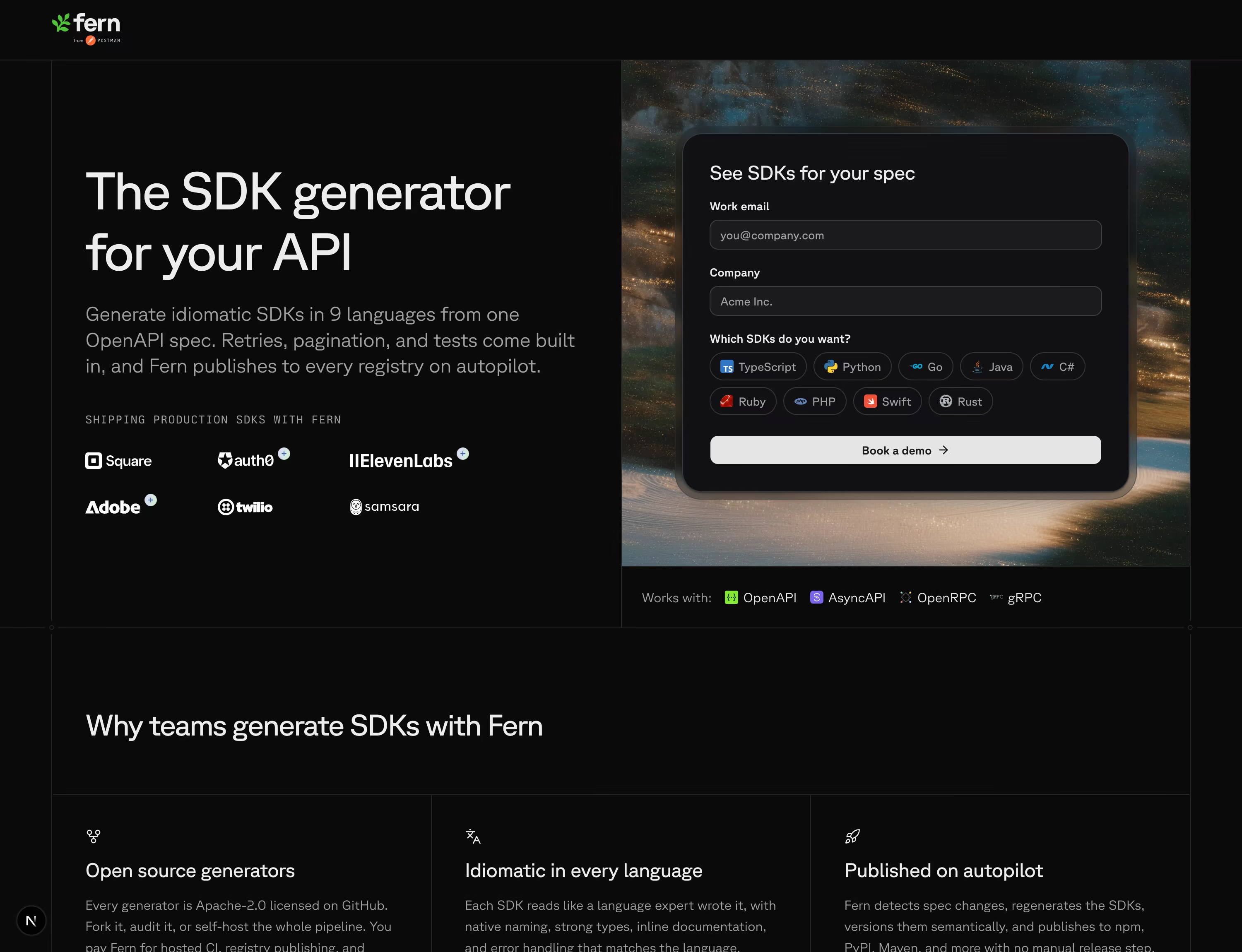
See it live at buildwithfern.com/lp/sdk-generator.
A local asset studio
Alongside the campaign copy, the agent also attempts to render visual assets. They are all served up at /ad, a local-only route in the same app.
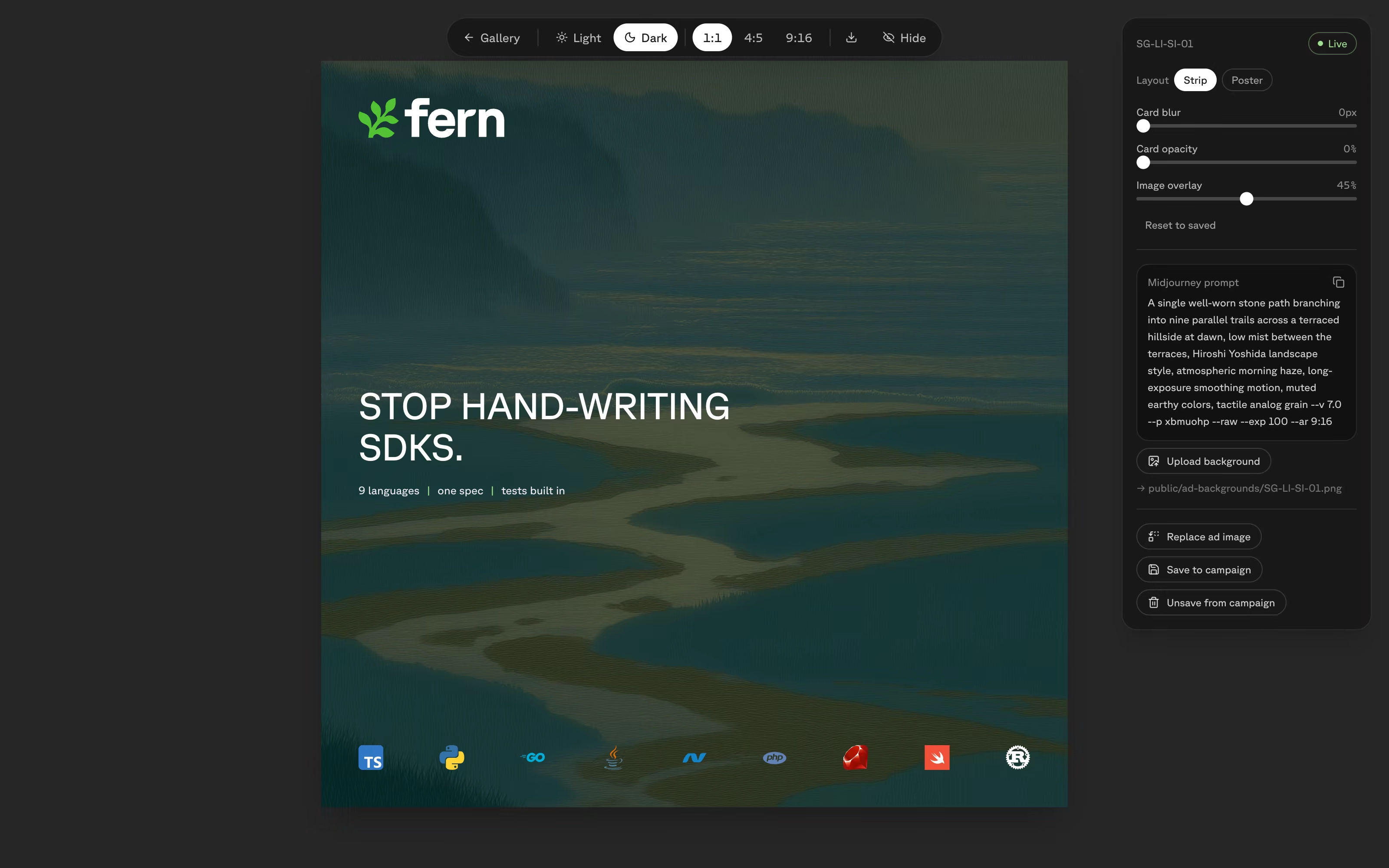
The agent attempts to create assets based on Midjourney prompts and copy from the campaign. This is rarely perfect so I've create controls on the right that allow me to tweak the asset.
The agent turns a spec into seven layouts and three sizes, all from the same content. The square 1080x1080 is the primary; and a taller 4:5 and 9:16 crops.
Backgrounds are the biggest manual step. Midjourney has no API, so I copy the prompt, generate the image, and upload it back into the studio. See my post on our Midjourney prompt template.
Currently, most of these graphics need a hand-tweak. For that I pull the rendered frame into Figma with the html.to.design plugin, adjust it by hand, and upload the result back into the studio as a full replacement. The repo still holds the final PNG, so nothing leaves version control and the agent can learn to optimize it's output.
A self-healing loop
Marketing as a practice inherently requires a lot of at-bats followed by constant pruning with real data. So after Outshine runs the campaigns in LinkedIn and Google, I feed the reports back into a performance.csv file.
The file is simple: one row per variant per day, joined to the copy and the creative by utm_content. The rest goes into alearnings.md. What is working, what I am cutting, what to test next.
I review every two weeks.
Here is what that catches. One campaign's first week: about $6,300 spent, 127 clicks, click-through above benchmark on both Google and LinkedIn. Good so far. But the click-to-demo rate came in well under my target, so the funnel was leaking between the landing-page view and the form. The call I logged was not "change the ads." It was rather to fix the page and then scale.
Next up
- Refine the asset agent to generate visual assets that are more up to par with Fern's baseline
- Continue to refine the self-healing loop to create ads that are more compelling
- Allow more of the Fern team to leverage these skills
- Automate the ad management in LinkedIn and Google
Action Items
- Read the other half of the story: how we build the site itself with Claude skills.
- See where the ads land. Visit a live page like /lp/sdk-generator.
- If you run paid and want to jam on any of this or need help setting this up, DM me on X.